
How to Plan a Successful Direct Mail Campaign with iPrintPost
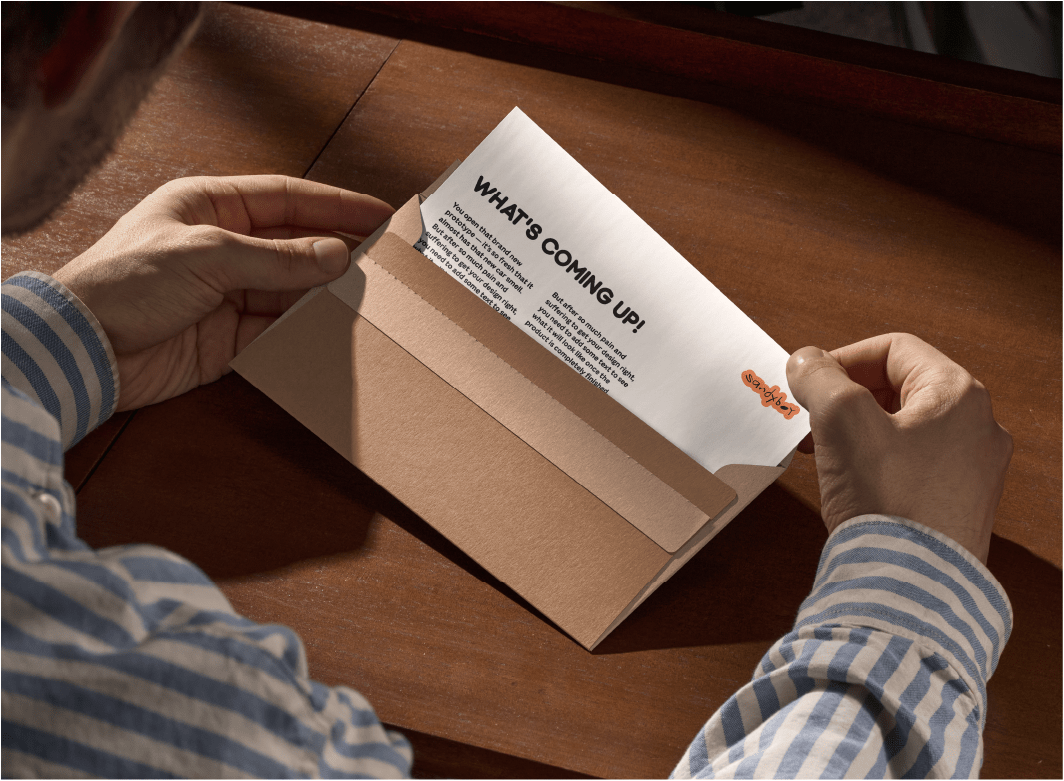
Direct mail remains one of the most effective ways to reach local audiences, communicate important updates, and promote services directly to homes and businesses. When planned properly, a well-executed campaign can generate strong engagement, increase enquiries, and support wider marketing objectives.
With iPrintPost from iPrintManage, organisations can simplify the entire process, from preparing printed mailers to targeting the right delivery areas and managing distribution. By combining professional print, intelligent targeting tools, and managed fulfilment, businesses can launch campaigns quickly and confidently.
If you are planning a direct mail campaign and want a simpler, more reliable way to manage targeting, printing, and delivery, iPrintPost from iPrintManage provides a fully integrated solution.
Register today and start building your campaign here, or read on to learn more.
Defining Your Campaign Objectives
Every successful direct mail campaign begins with a clear purpose. Before designing a leaflet or preparing a letter, it is important to define what the campaign should achieve.
For some organisations, the goal may be to generate new leads or attract customers to a local service. Others may want to promote a limited-time offer, announce a new product, or share important updates with nearby residents or businesses.
Understanding the objective helps shape the entire campaign, including the design of the mailer, the messaging used, and the areas selected for delivery.
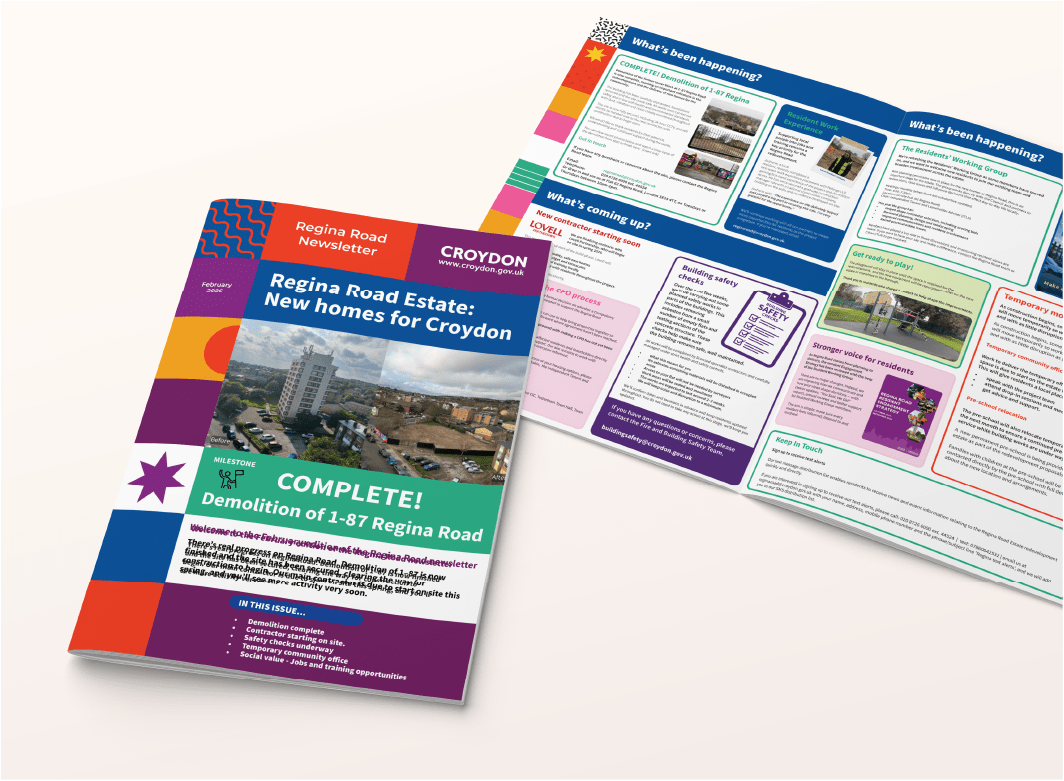
With iPrintPost from iPrintManage, businesses can quickly align their campaign goals with the right format, whether that means:
-
Personalised letters for formal communications
-
Eye-catching postcards promoting local offers
-
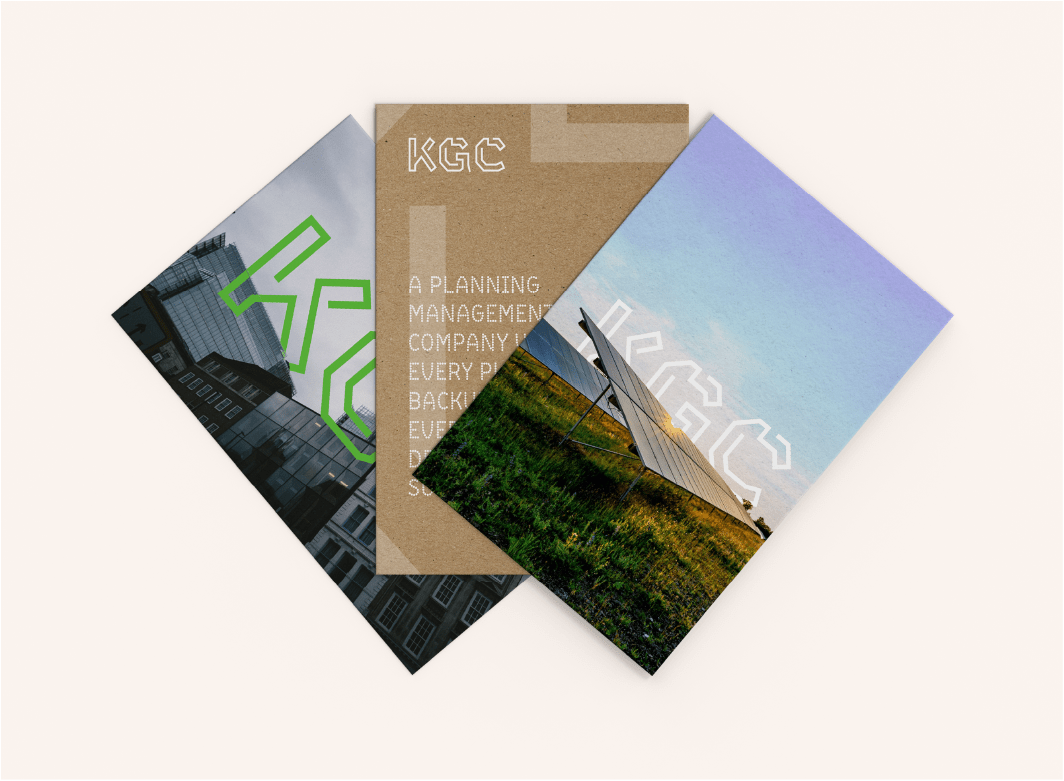
Marketing leaflets highlighting services or promotions
-
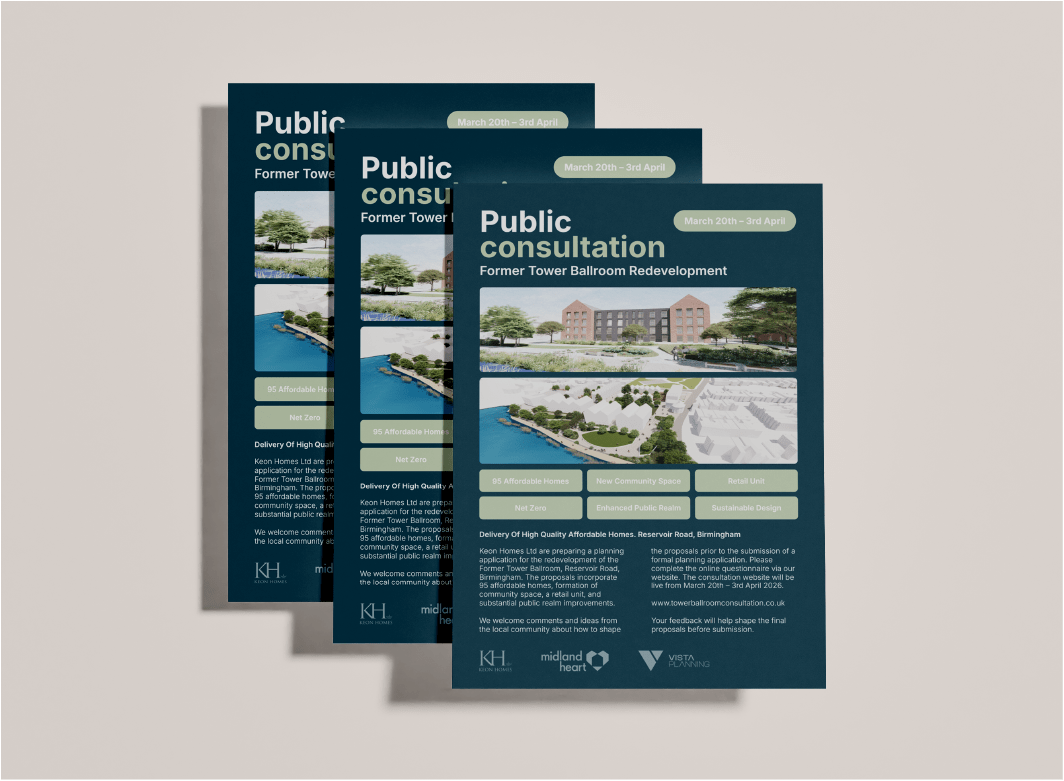
Informational mailers for planning notices or community updates
By choosing the right format and message, organisations can ensure their printed communications make an immediate impact.
Identifying the Right Audience
Reaching the right audience is essential for any successful direct mail campaign. Sending marketing materials to irrelevant locations can quickly increase costs while reducing response rates.
The iPrintPost platform from iPrintManage makes audience targeting far more precise. Using postcode mapping and custom boundary tools, businesses can identify the areas most likely to respond to their campaign.
Campaigns can be targeted based on:
-
Specific postcode sectors
-
Defined neighbourhood boundaries
-
Radius targeting around a location
-
Streets surrounding a development or project site
This level of targeting ensures your mailers reach households and businesses that are most relevant to your campaign, helping reduce wasted marketing spend while improving engagement.
Preparing Your Mailers for Distribution
Once the campaign objective and audience have been defined, the next step is preparing your materials for distribution. Direct mail campaigns involve multiple production stages, including printing, personalisation, and fulfilment.
iPrintPost from iPrintManage simplifies this entire process by managing the production workflow from start to finish. Businesses can produce high-quality marketing materials including letters, leaflets, postcards, and multi-page mailers, all professionally printed and prepared for delivery.
Key production stages typically include:
-
Professional printing for consistent, high-quality materials
-
Personalisation where required for targeted messaging
-
Envelope fulfilment and preparation for distribution
-
Quality checks to ensure accuracy and presentation
By managing these steps within a single platform, iPrintPost eliminates the need for multiple suppliers, reducing delays and improving overall campaign efficiency.

Launching and Delivering Your Campaign
Once materials are prepared, the campaign can be dispatched and delivered to the selected areas. Timing is often critical, particularly for marketing promotions, planning consultations, or time-sensitive communications.
Because iPrintPost from iPrintManage is designed for fast turnaround campaigns, organisations can launch distributions quickly, even when project timelines change.
With professional oversight and integrated mapping tools, businesses gain confidence that their mailers are delivered accurately and efficiently.
Whether distributing promotional leaflets, important letters, or targeted marketing postcards, iPrintPost ensures campaigns reach the right audiences with professional presentation and reliable delivery.
Start Your Campaign with iPrintPost

If you are planning a direct mail campaign and want a simpler, more reliable way to manage targeting, printing, and delivery, iPrintPost from iPrintManage provides a fully integrated solution.
Register today and start building your campaign here:
Have Questions?
Check out our FAQ below or reach out to sales@iprintmanage.com
What is iPrintPost from iPrintManage?
iPrintPost is a fully managed direct mail service from iPrintManage that allows businesses and organisations to plan, print, and deliver marketing materials to targeted locations. The platform combines advanced postcode mapping tools with professional printing and fulfilment services, making it easy to send letters, leaflets, postcards, and other mailers to specific households or businesses.
By managing everything from print production to delivery, iPrintPost helps simplify direct mail campaigns while ensuring accuracy and professional presentation.
What types of materials can be sent using iPrintPost?
Businesses can send a wide range of printed marketing materials using iPrintPost from iPrintManage, including:
-
Marketing leaflets and flyers
-
Promotional postcards
-
Personalised letters and notices
-
Informational mailers and campaign updates
-
Booklets and multi-page printed materials
These materials are professionally printed and prepared for distribution, helping businesses present a consistent and credible brand image to their audience.
How does postcode targeting work?
Postcode targeting allows organisations to focus their campaigns on specific areas where their ideal audience is located. Using the iPrintPost mapping tool, users can select delivery zones based on postcode areas, radius targeting, or custom boundaries.
This approach ensures mailers are delivered to the most relevant households or businesses, helping improve engagement and reduce wasted marketing spend.
Can I update my campaign areas after submitting an order?
Yes. One of the advantages of iPrintPost from iPrintManage is the flexibility it offers when managing campaigns. If project requirements change, delivery areas can often be adjusted by adding streets, refining boundaries, or updating the targeting zones.
This flexibility makes it easier for organisations to adapt campaigns quickly without needing to start the process again.
How quickly can a direct mail campaign be launched?
Campaign turnaround times depend on the type of materials being printed and the size of the distribution area. However, iPrintPost from iPrintManage is designed for rapid campaign launches, with some projects able to begin distribution the same day or the next day after materials are prepared.
This makes the service particularly useful for time-sensitive communications, promotional campaigns, or urgent project updates.
What industries use iPrintPost for direct mail campaigns?
Direct mail campaigns using iPrintPost are commonly used across a range of industries, including:
-
Property developers and planning consultants
-
Estate agents and property marketing teams
-
Local businesses promoting services or offers
-
Marketing agencies managing campaigns for clients
-
Organisations conducting public consultations or community communications
The flexibility of the platform means campaigns can be tailored to suit both local and national marketing objectives.
Is direct mail still effective for marketing?
Yes. Direct mail remains a powerful marketing channel because it delivers a physical message directly to homes and businesses. Unlike digital advertising, printed materials such as leaflets, postcards, and letters are harder to ignore and can be kept for later reference.
When campaigns are carefully targeted and professionally printed, direct mail can generate strong engagement, improve brand awareness, and drive measurable responses.
Why choose iPrintManage for direct mail campaigns?
Businesses choose iPrintManage and the iPrintPost platform because it provides a fully managed solution for planning and delivering direct mail campaigns.
Key advantages include:
-
Integrated postcode targeting and mapping tools
-
Professional printing for letters, leaflets, and mailers
-
Managed fulfilment and delivery processes
-
Flexible campaign adjustments
-
Fast turnaround for urgent projects
This combination of technology and managed services allows organisations to run effective campaigns without coordinating multiple suppliers.
How do I start a direct mail campaign with iPrintPost?
Starting a campaign is simple. Businesses can register with iPrintPost from iPrintManage, choose their target delivery areas using the mapping tool, upload their marketing materials, and launch their campaign.
To begin planning your direct mail campaign, register here:
https://map.iprintmanage.com/register