
iPrintPost
iPrintPost handles your direct mail in three easy steps – from artwork upload to delivery. Get a fast quote today.
Direct mail campaigns made simple - all on one platform.
iPrintPost is your complete mailing service from iPrint Manage. You can upload your artwork, set your postage and recipient details, and have your mailers professionally printed and delivered – everything handled for you from start to finish.
Who is iPrintPost for?
- Councils + The Public Sector
- Planners + Developers
- Marketeers
- Construction Professionals
- Small Businesses
Easy to use, and free until you send a campaign, there is no reason not to sign up for a free account today.
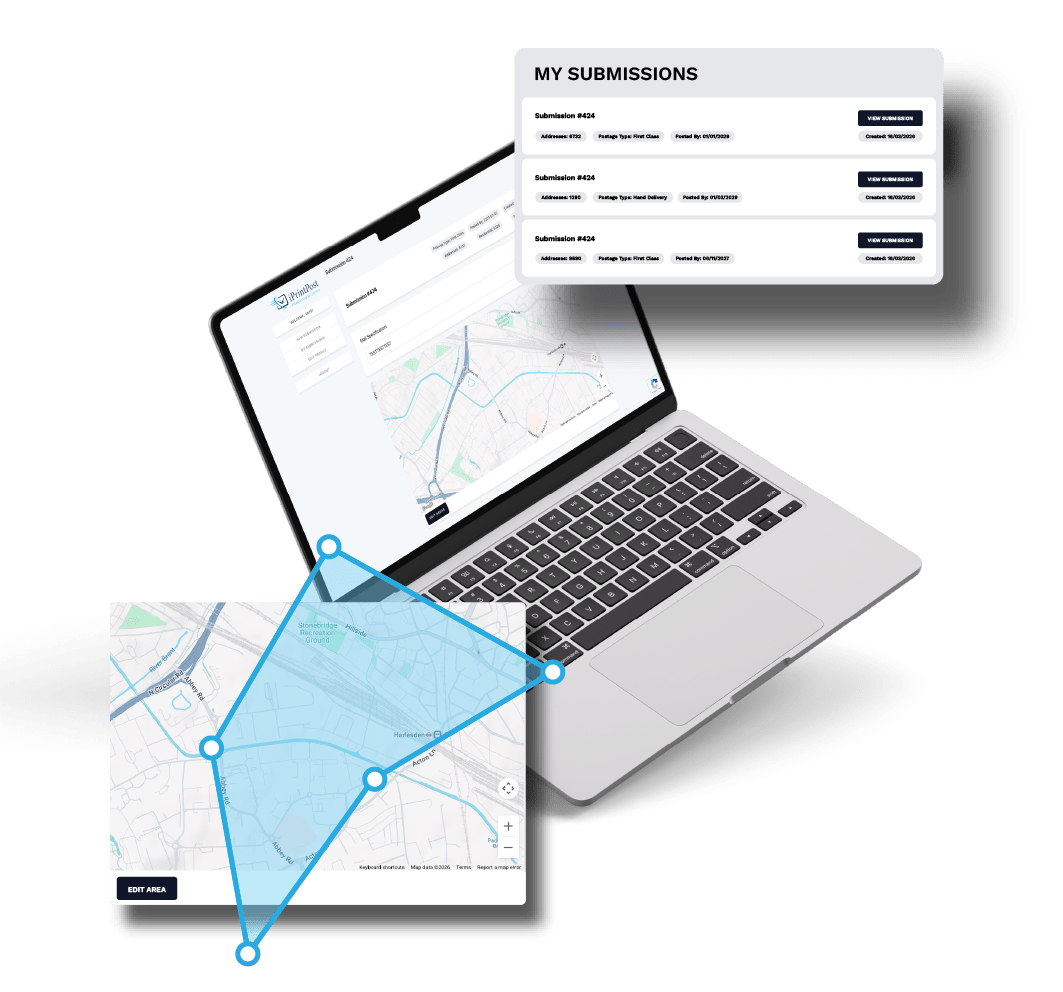
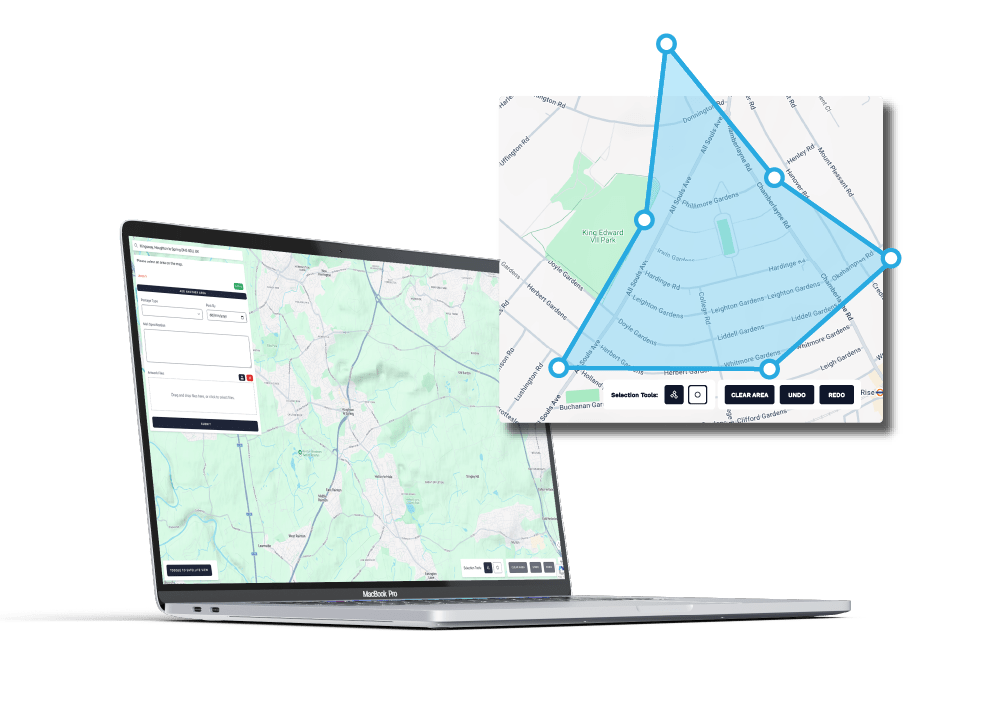
MAP.
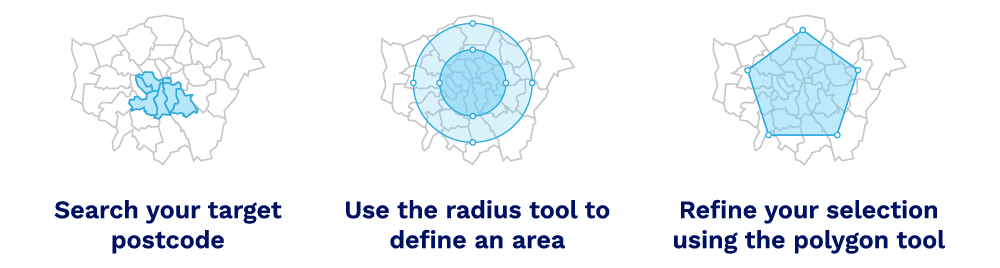
Select your target area.
Select target recipients by drawing on a map or using postcode + radius.
-
Draw on a Map using polygons
-
Find your postcode and use the radius tool, down to the metre
- Combine methods to select difficult areas
- Select multiple separate target areas with layered zones
Tools that respond in real-time
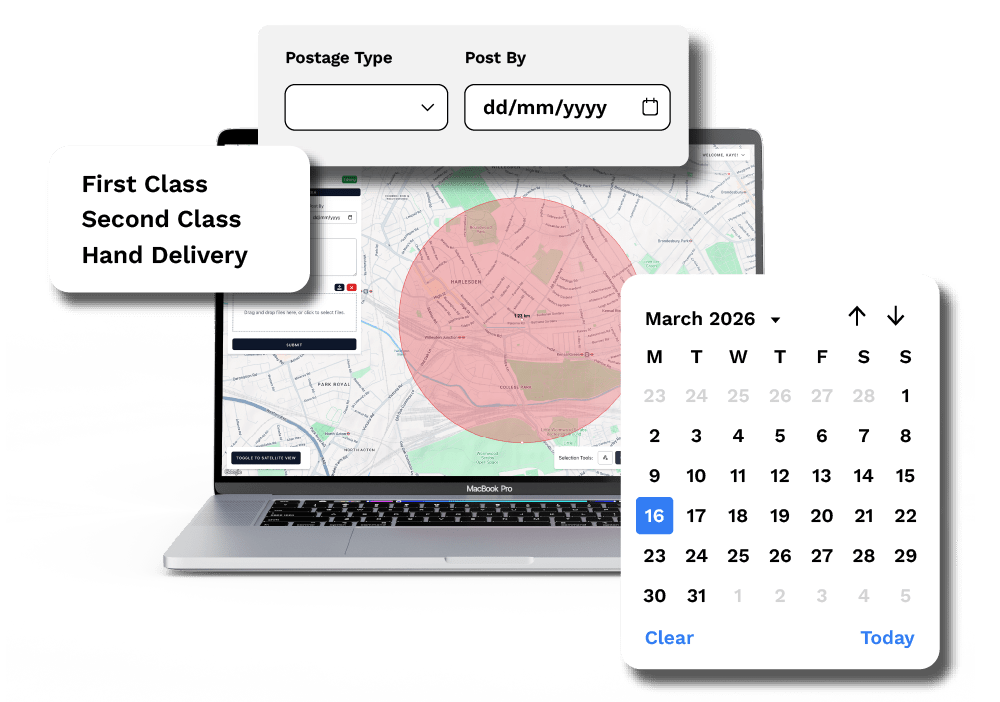
PRINT.
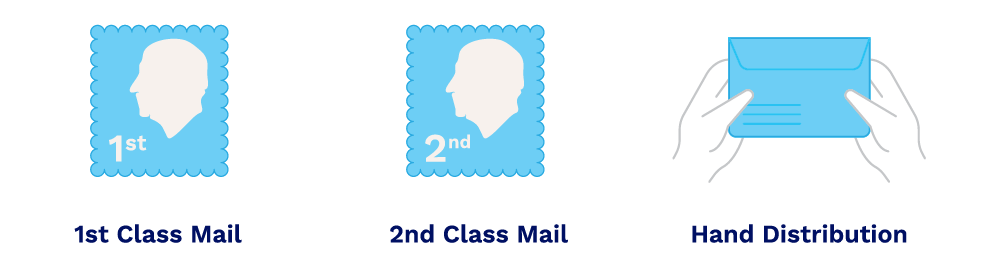
Specify postage & post‑by requirements
Choose all relevant details for your campaign to ensure your mail reaches the right audience at the right time. Aim to include:
-
The type of mail – a simple flyer? 8 page newsletter?
-
The distribution timeframe – is this urgent? Planned in waves?
- Quantity – Do you need overs? Would you like file copies?
- Building type – do you want to target businesses, households, or both?
Delivery options to suit your deadlines and budget
POST.
Provide your project + print specifications
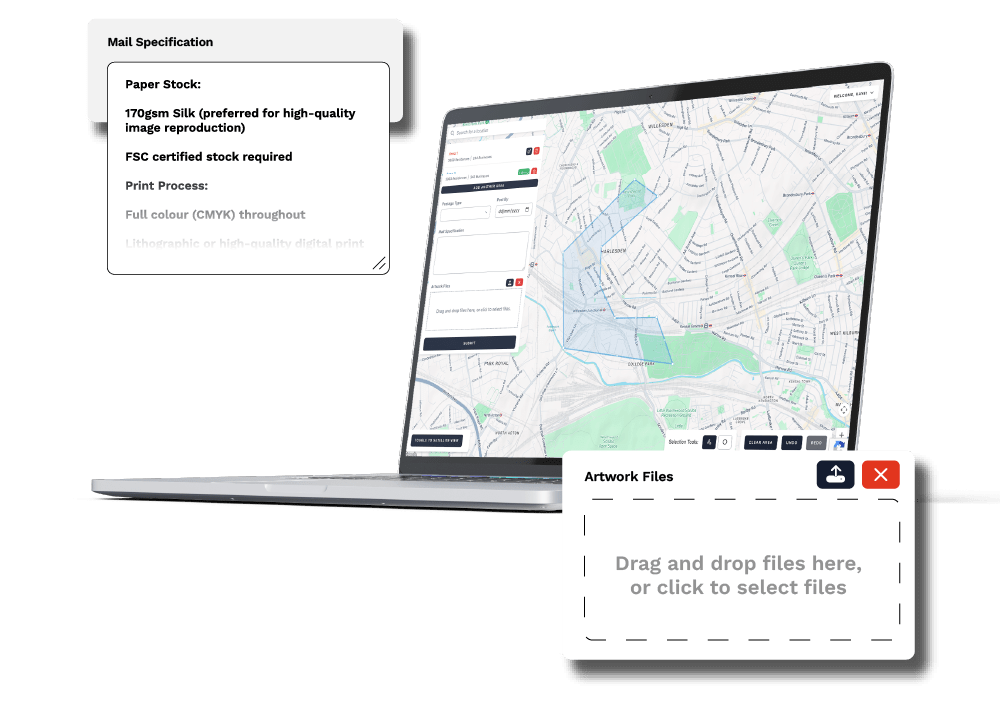
Upload your artwork and define mail dimensions, format, paper types and anything else you need us to support you with. Think about:
-
Upload your artwork – Don’t have any? Contact Matt here.
-
Mail Dimensions & Format – A4? A3? Folded to fit DL envelopes?
-
Paper Type & Finish – We offer recycled paper as standard
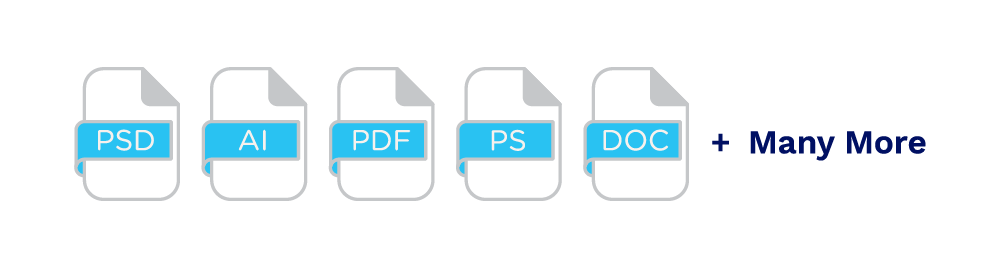
No matter the file we can make it happen, with a fully fledged design studio, all in-house.
Hassle free, and handled for you.
iPrintPost makes planning and delivering your direct mail campaigns quick, accurate, and hassle-free. From mapping your target area to printing and posting your mailers, our platform handles everything in one place.
Map.
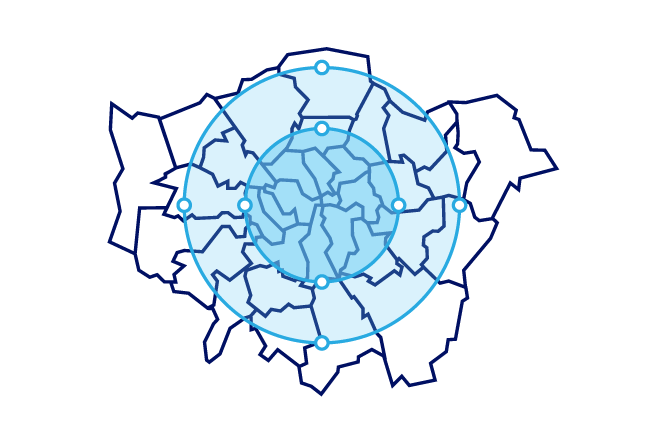
Identify exactly which households or businesses you want to reach using our postcode and radius targeting tools. You can even adjust your area after submission without resubmitting the entire campaign, saving time and improving accuracy.

Print.
Upload your artwork or let our team handle professional printing for you. Choose from letters, postcards, leaflets, booklets, and custom envelopes. iPrintPost ensures high-quality print production that matches your campaign goals.

Post.
Once your campaign is approved, we manage the addressed mailing process. Your mailers are delivered efficiently and reliably, ensuring maximum engagement with your audience and compliance with regulations.
iPrintPost Mailer
FAQs
Find answers to common questions about iPrintPost, from printing and mailing options to materials and full-service support.
What is PrintPost?
PrintPost is your complete mailing solution that lets you upload your artwork, set postage and targeting options, and have your mail professionally printed and delivered – managed entirely for you by iPrint Manage.
How does the process work?
It’s easy
Make sure you’ve registered here
- Choose your postage and mailing preferences
- Upload your artwork and specify your mail format
- Select your target recipients by postcode or using the interactive map
- Submit your request and get a fast quote within an hour
Do you offer eco-friendly mailer options?
Absolutely. We provide sustainable materials such as recycled stocks, eco cardboards, and PVC-free stickers to help reduce your environmental impact.
How do I decide who gets my mail?
You can target recipients by drawing a custom area on the map or by entering a postcode and selecting a radius around it.
Does it cost anything to capture addresses or request a quote?
No – address capture and quotes are free. You only pay when you approve and proceed with your mailing order.
Who We Work With
Clients Supported
Campaigns Deployed
Mailers Sent





Available Formats
Choose from a wide range of professional print formats designed for hand-distributed leaflets and door drop campaigns.
iPrintPost offers a comprehensive selection of formats to suit every campaign. Whether your project requires a simple flyer, a multi-page booklet, or a personalised letter, all items are professionally printed, carefully prepared, and hand-delivered to your target area.
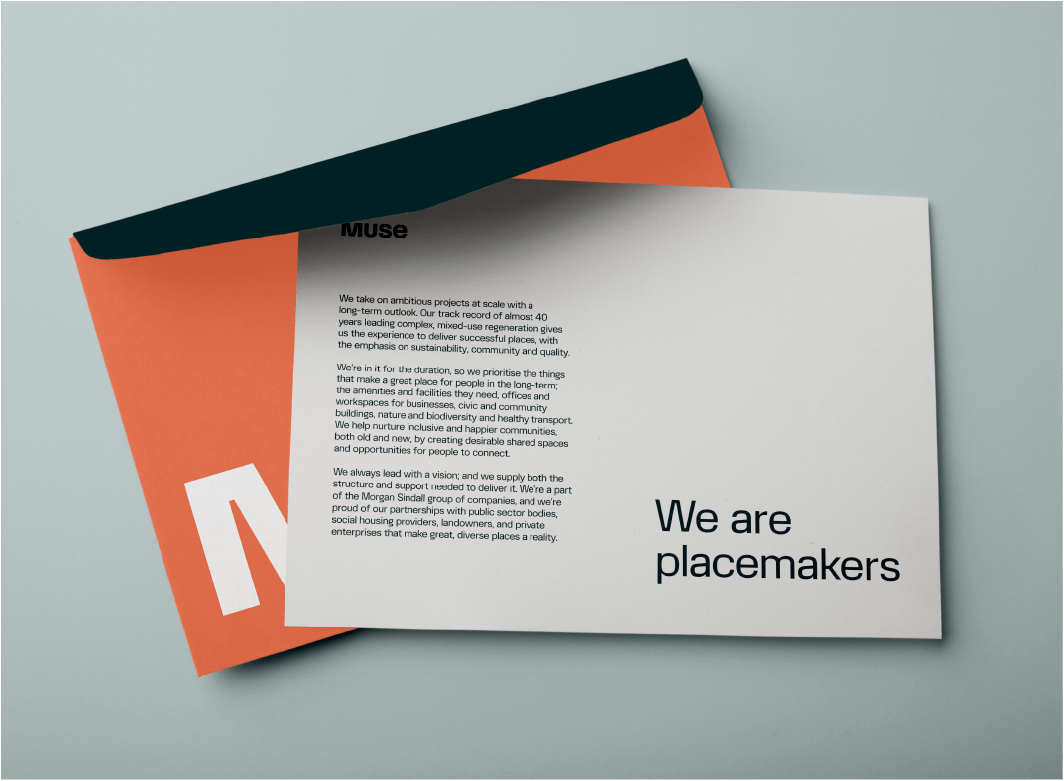
Letters
Classic and professional, perfect for consultation letters, stakeholder notifications, or personalised communications.
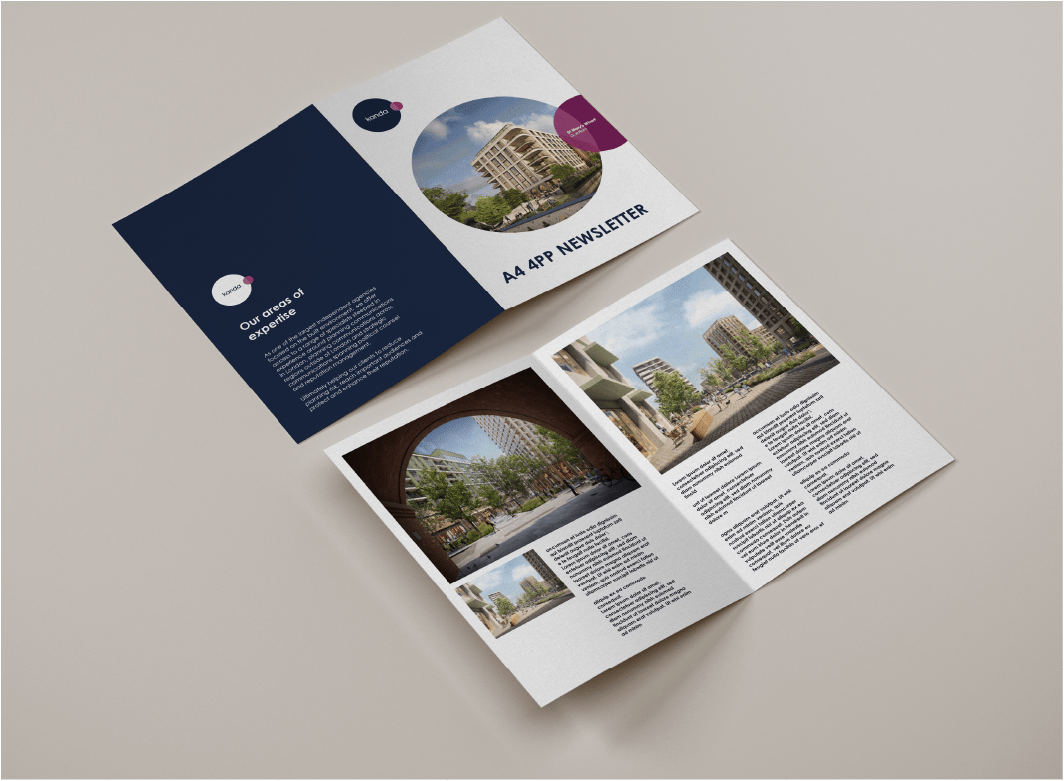
4-Page Booklets
Compact and informative, ideal for property launches, planning consultation summaries, or project overviews.
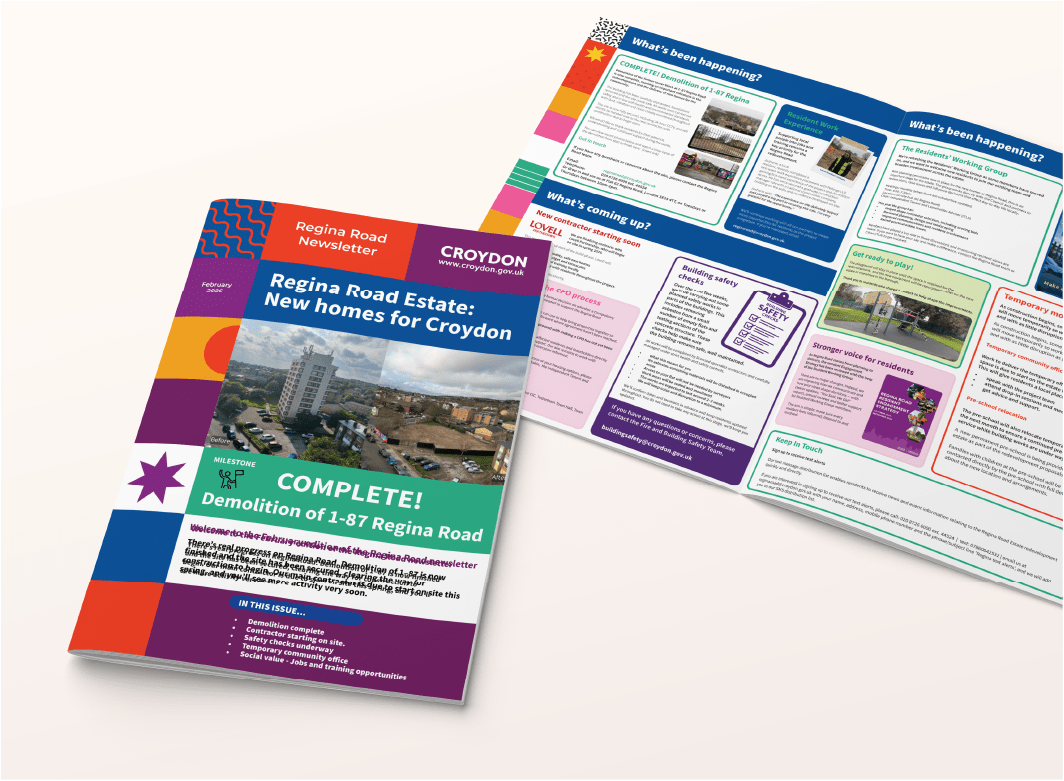
8-Page Booklets
More detailed campaigns, professionally bound for multi-section communications. Perfect for developer updates, public consultation packs, or multi-topic leaflets.
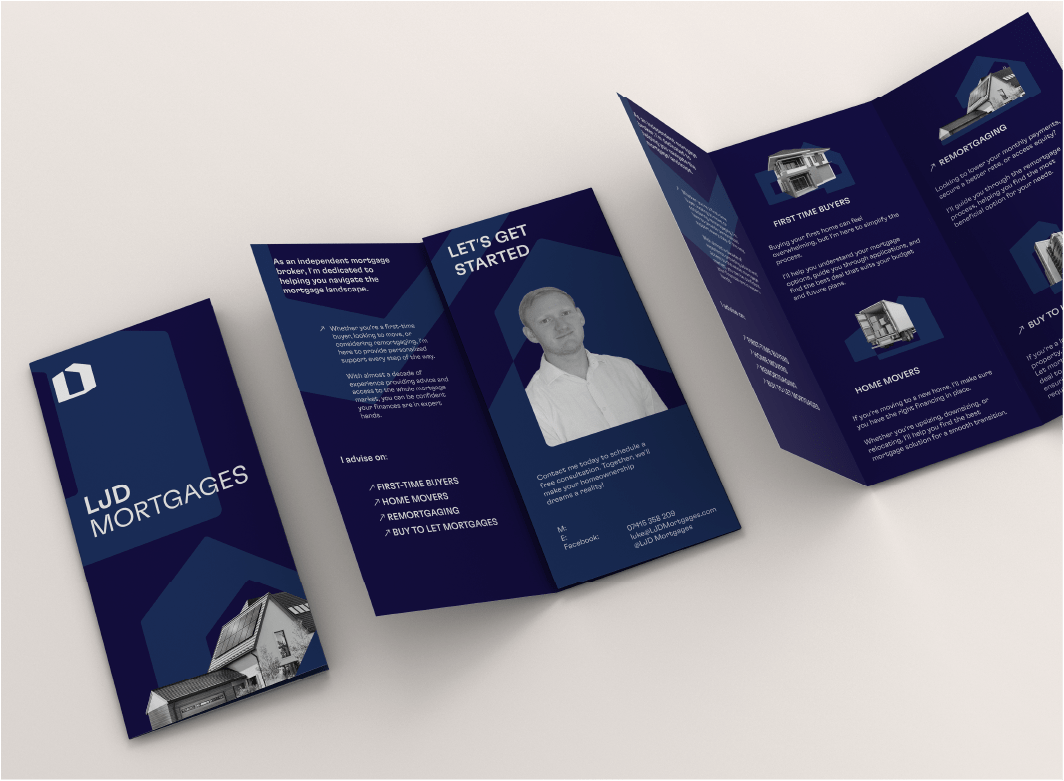
Trifold Leaflets
Highly visual, easy-to-read leaflets for property marketing, events, or local promotions.
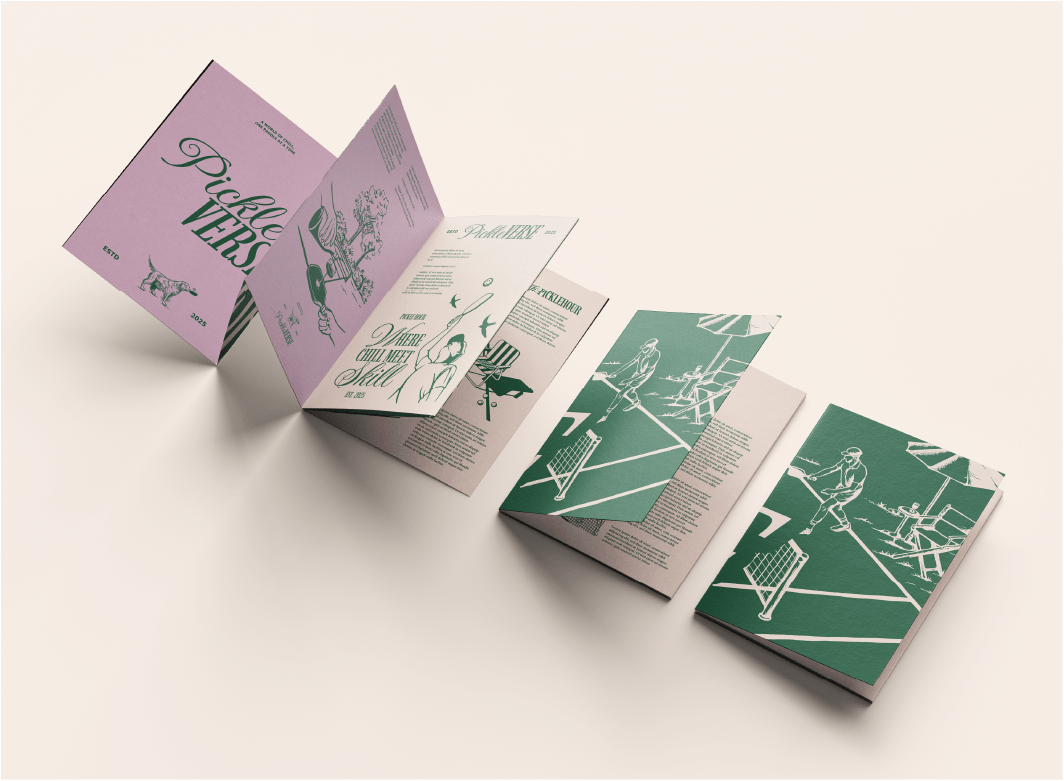
Roll Fold Leaflets
Expandable leaflets providing extra space for detailed messaging, ideal for planning notifications, public consultations, or property marketing campaigns.
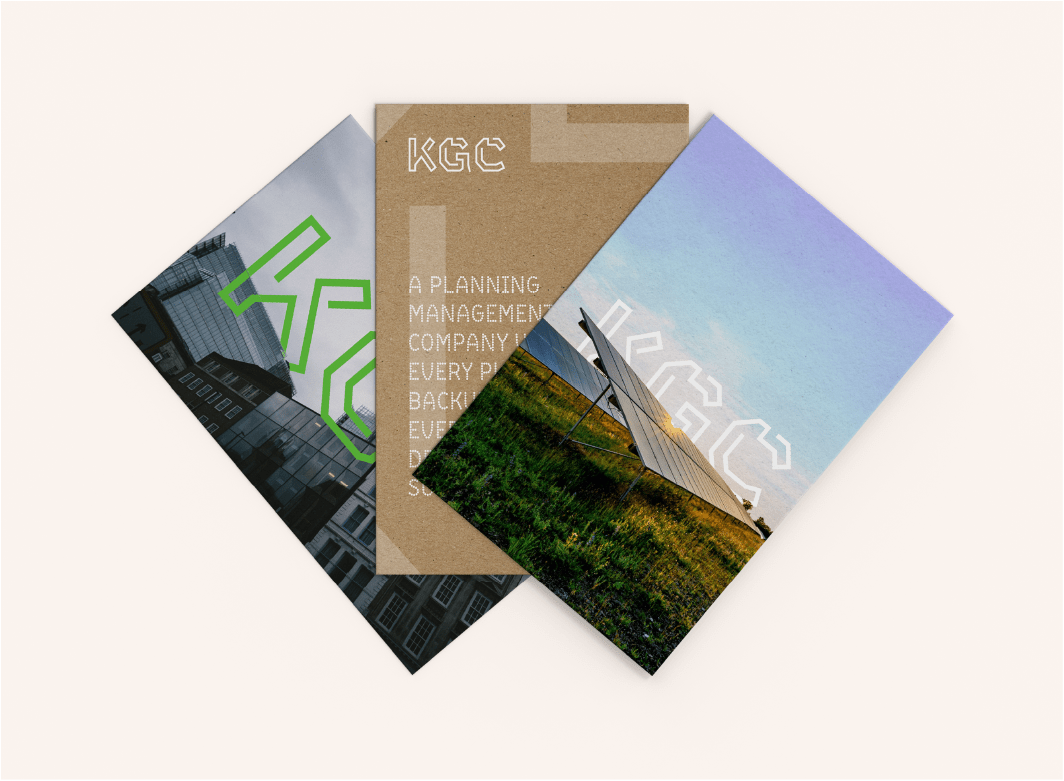
Postcards
Compact and eye-catching, perfect for property teasers, event invitations, or public announcements.
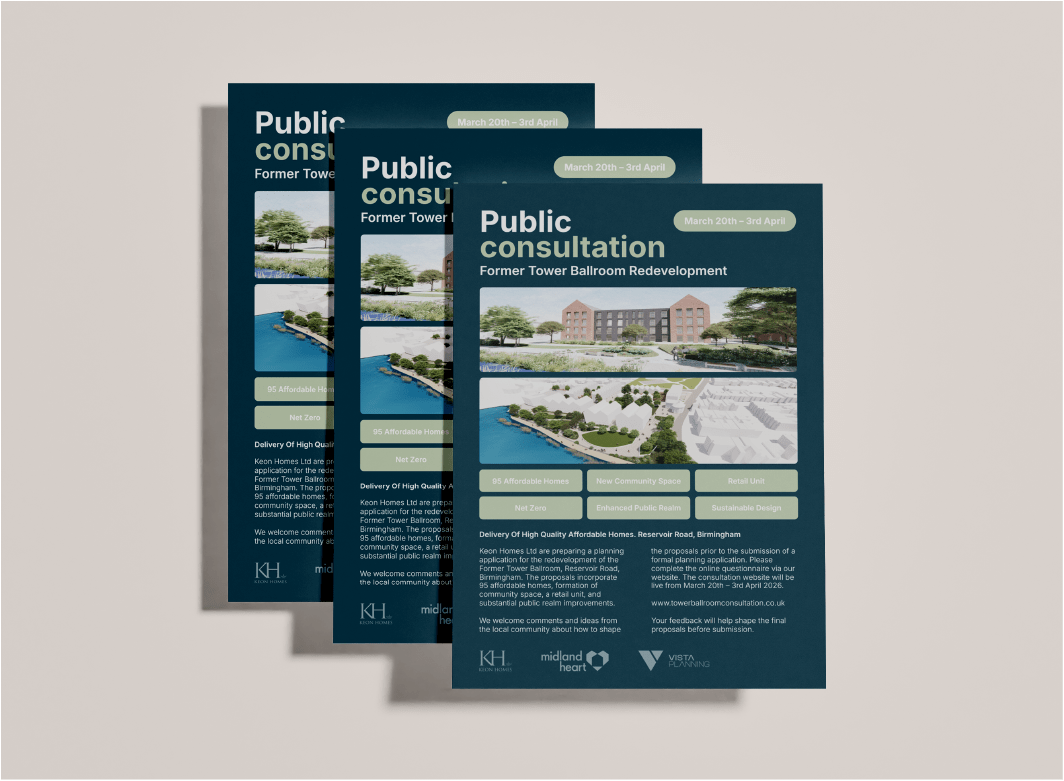
Flyers
Single-page, versatile leaflets suitable for local campaigns, public notifications, or community engagement.
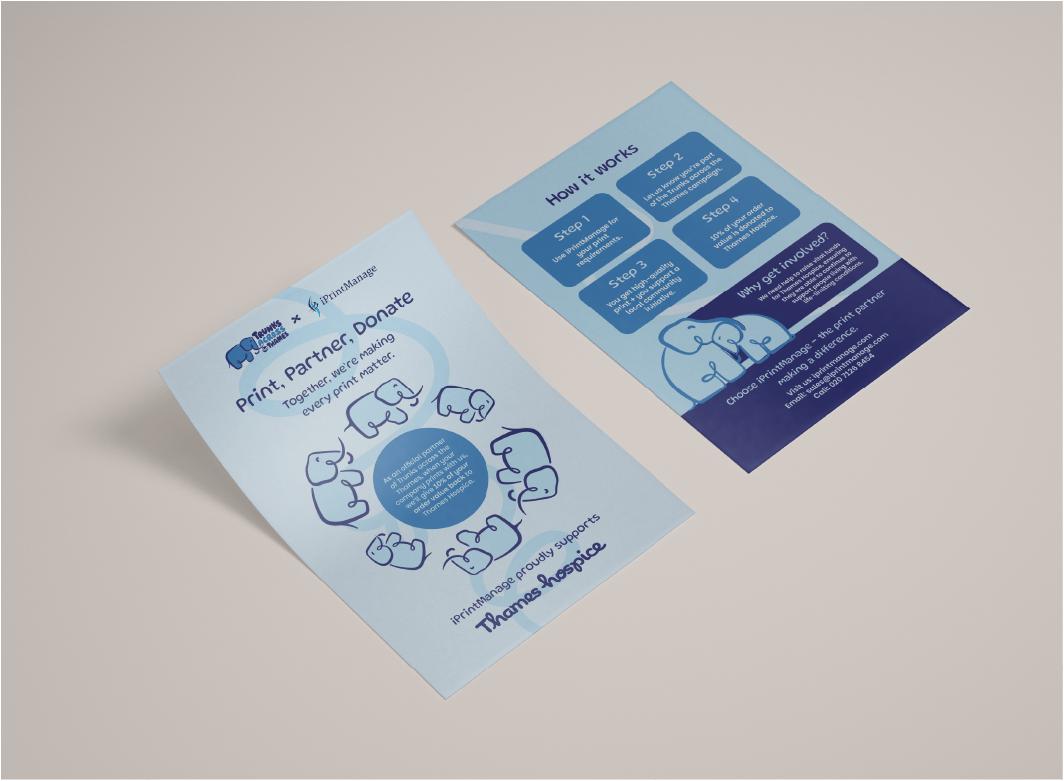
Double-Sided Leaflets
Maximise your messaging with two-sided printing for more detailed communications while keeping materials compact and cost-effective.
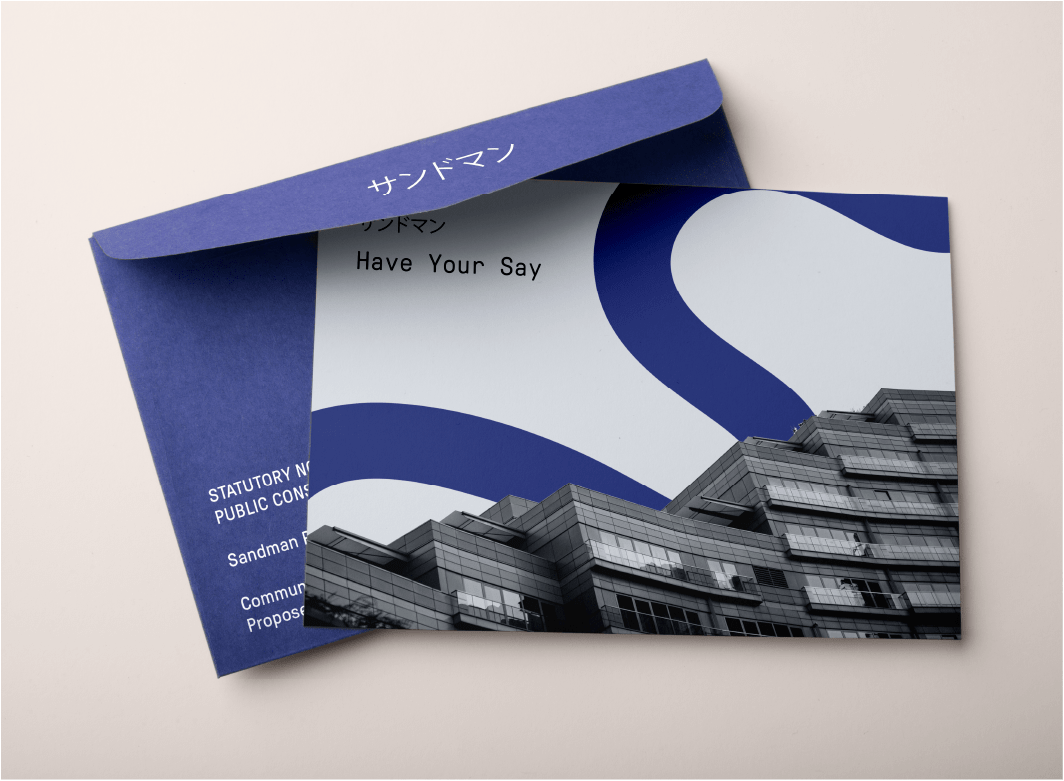
Custom Envelopes
Choose from a range of professional envelope sizes and styles to suit every campaign, from letters and booklets to promotional mailers.
Successful + Efficient
iPrintPost helps public sector organisations communicate clearly, reliably, and efficiently. Campaigns are stored in your account for repeat use and ongoing public engagement.
We are trusted by:
Artwork Guideline
FAQs
Will you check my artwork?
We carry out a basic pre-flight check to ensure:
-
Correct size
-
Bleed included
-
Resolution appears suitable
We do not proofread content or check spelling unless artwork services are requested.
What happens if my artwork is not set up correctly?
If we identify issues, we will contact you before printing. Minor fixes may incur an artwork charge.
Can you design or amend my artwork?
Yes - we offer a full in-house design and artwork service. Please contact us for a quotation.
Accepted Files
We recommend supplying artwork as a high-resolution, print-ready PDF (PDF/X-1a or PDF/X-4 preferred).
We also accept:
-
Adobe InDesign (.indd – packaged with fonts and links)
-
Adobe Illustrator (.ai – fonts outlined)
-
Adobe Photoshop (.psd – flattened where possible)
-
High-resolution TIFF or JPEG (300dpi at final size)
Microsoft Office files (Word, PowerPoint, Publisher) can be accepted but may require additional artwork setup and cannot guarantee accurate colour reproduction.
Colour Mode
What colour mode should my artwork be supplied in?
All artwork must be supplied in CMYK colour mode, not RGB.
RGB is used for screens and will convert to CMYK for print, which may cause colour shifts. To ensure accurate results, convert your artwork to CMYK before submitting.
Profiles
Which colour profile should I use?
We recommend using:
-
Coated paper: FOGRA39 / ISO Coated v2
-
Uncoated paper: FOGRA29 / ISO Uncoated
If you are unsure, please contact us before exporting your file.
Will colours match exactly to my screen?
Printed colours will differ slightly from what you see on screen due to monitor calibration and colour space differences. For brand-critical work, we recommend supplying Pantone references, RALs, hard copy samples you've had previously or requesting a printed proof.
Bleed
Do I need to include bleed?
Yes. All artwork must include 5mm bleed on all sides.
This means any background colours, images, or design elements that run to the edge of the page must extend 5mm beyond the trim size.
What is a safe zone?
Keep all important text and logos at least 5mm - 10mm inside the trim edge to avoid risk of trimming variation.
Multi Page Documents
How should I supply multi-page artwork?
Please supply multi-page documents as a single PDF in page order, set up as individual pages (not spreads), unless specifically requested. We will
Include:
-
Correct page size
-
3mm bleed on all pages
-
Consistent margins
- Crop Marks
For stitched booklets, ensure page counts are divisible by 4.
Material Choice
Does paper choice affect artwork?
Yes. Different materials affect colour and finish:
-
Uncoated papers appear softer and slightly less vibrant.
-
Coated papers produce sharper detail and more vibrant colours.
-
Recycled stocks may slightly alter colour tone.
-
Large format materials may require higher resolution artwork.
If you need guidance selecting the right stock for your design, we’re happy to advise.
Text Size
What is the minimum readable text size?
As a general guide:
-
Standard print: Minimum 6pt
-
Reversed (white on colour): Minimum 7–8pt
-
Large format (viewed from distance): Text size should scale accordingly
Avoid very thin fonts below 7pt, as they may not reproduce clearly.
Accesibility
How can I make my artwork more accessible?
We recommend:
-
Strong colour contrast between text and background
-
Minimum 10–12pt body text where possible
-
Avoiding long passages in all caps
-
Not relying on colour alone to convey meaning
-
Clear, legible font choices
If your materials need to meet specific accessibility standards, please let us know.
QR Codes + Links
What size should QR codes be?
Minimum recommended size:
-
20 x 20mm for standard print
-
Larger for posters or outdoor materials
Ensure strong contrast (black on white preferred).
Do I need to test my QR code?
Yes. Always test QR codes before submitting artwork. We can generate static QR codes for you. Ensure your QR code does not require a subscription to stay active.
Can I include clickable links?
Clickable links only function in digital PDFs. For print, ensure URLs are short and easy to type.
Images
What image resolution is required?
-
Standard print: 300ppi at final size
-
Large format: minimum 150ppi at final size
Low-resolution images (72ppi web images) will appear pixelated in print.
How can I check image resolution?
Check the effective resolution in your design software at 100% scale.
Vectors Vs Rasters
What is the difference between vector and raster artwork?
-
Vector graphics (logos, icons, text) are scalable without losing quality.
-
Raster images (photographs) are resolution dependent.
We strongly recommend supplying logos as vector files (AI, EPS, or outlined PDF) to ensure sharp reproduction at any size.
Artwork Templates
Simple Flyer Templates
(INDESIGN)
A6 Portrait Flyer
A6 Landscape Flyer
A5 Portrait Flyer
A5 Landscape Flyer
A4 Concertina Tri-Fold Flyer
A4 Gatefold Flyer
A4 Classic Roll Trifold
A5 4pp Booklet
A5 8pp Booklet
A5 12pp Booklet
A4 4pp Booklet
A4 8pp Booklet
A4 12pp Booklet
A4 16pp Booklet
A4 20pp Booklet
Letter Templates
(Indesign)
A4 Letter
Legal Letter
DL Letter Slip
Envelope Templates
(indesign)
COMING SOON - C4 (encloses flat A4)
COMING SOON - C5 (encloses flat A5)
COMING SOON - DL (encloses Trifold A4)
Roll fold
(Indesign)
A4 Roll Fold (6 A4 Panels)
A5 Roll Fold (6 A5 Panels)
postcard templates
(indesign)
A5 Landscape Postcard
A5 Portrait Postcard
Display Board Templates
(Indesign)
A0 Boards
A1 Boards
A2 Boards
A3 Boards
Not what you were looking for?
Try these
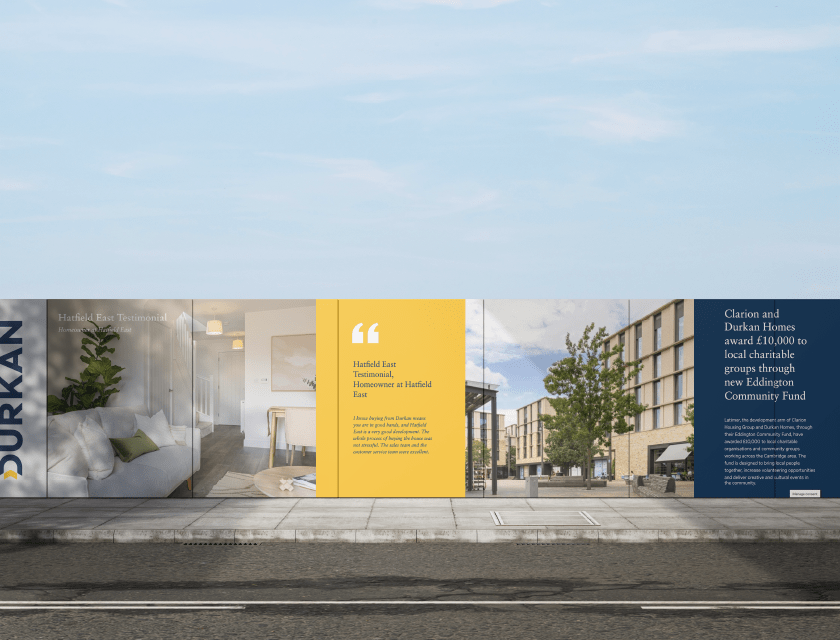
Site Hoarding For Construction, Architects, and Planners
Eye-catching displays, banners, and signage in any size you need.
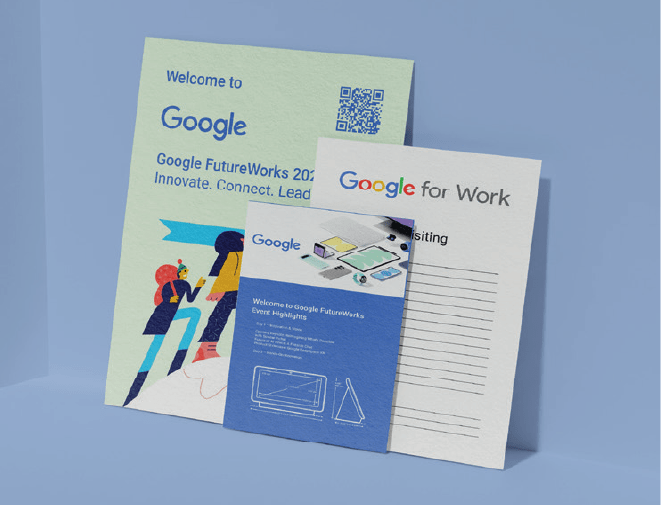
Small Format Printing for Marketeers + Planners
Bring your brand to life with high-quality brochures, flyers, and business cards.
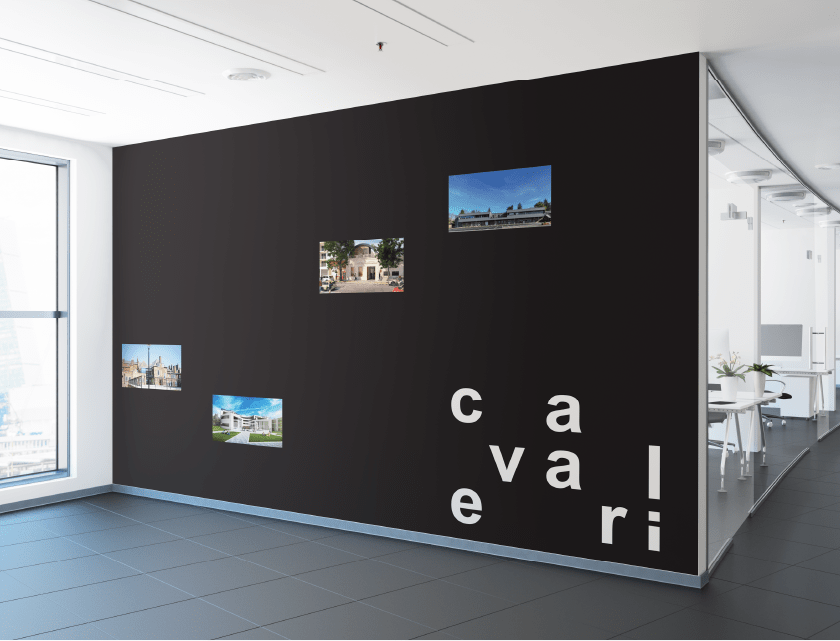
Office Graphics for Construction, Retail + Tech
Transform your workplace with branded wall graphics, window films, and more.